
Carnatic
Practising Carnatic music with Sadhana AI
Written for someone already learning Carnatic vocal or an instrument who wants their phone to do the dull jobs — hold the shruti, keep the tala, repeat the hard phrase — and then tell them honestly whether the swaras landed.
Who this suits
- A student between classes. Your teacher has set a varnam; you need a drone at the right kattai, a tala to keep you honest, and some way to hear that your nishadam keeps sliding flat.
- Someone returning after years away. You remember the kritis but not reliably where your Sa sits any more.
- A teacher. You want students practising the right thing between classes and submitting takes you can actually hear. See the teacher guide.
It suits you less well if you want a graded course that walks you from sarali varisai to kriti. The app does not have one, and the next section says so plainly rather than burying it.
What it can assess, and what it leaves to your teacher
The app can measure
- Whether you held the shruti, or drifted off it.
- Where a recorded phrase sat sharp or flat of a reference take, note by note.
- The likely raga and the Sa of a recording you give it.
- Whether you were on time against the tala you set.
- Interval and swara recognition, in ear training.
It does not judge
- Whether a gamaka was shaped correctly. Pitch accuracy and gamaka craft are not the same thing, and the app only measures the first.
- Bhava, or whether the sangati suited the kriti.
- Voice culture, breath, or posture.
- Whether you are ready to perform.
A realistic practice session
This uses only features that are in the app today. None of it requires a subscription to try.
1. Set your shruti and start the drone
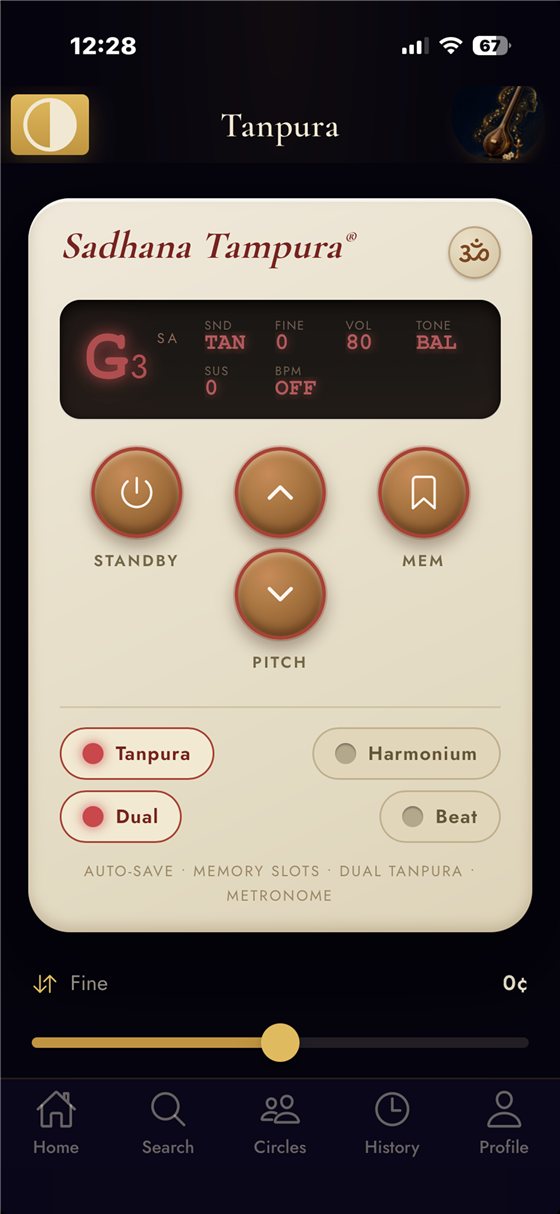
Open the tanpura and set it to your kattai. It keeps sounding while you move around the app, so you can leave it running for the whole session. If you are unsure of your pitch, the tuner will tell you what you are actually singing.
2. Put the tala on
The metronome has tala modes, so you are counting a cycle rather than undifferentiated clicks. Set the tempo slower than you think you need. Details in the tanpura, tala and tuning guide.
3. Loop the phrase that keeps failing
If one sangati is the problem, do not keep running the whole piece. Loop practice lets you mark a start and an end, slow the audio down, and shift its pitch to your kattai — pitch and speed move independently, so slowing it down does not drop the key. See looping a difficult passage.
4. Record a take and look at the pitch
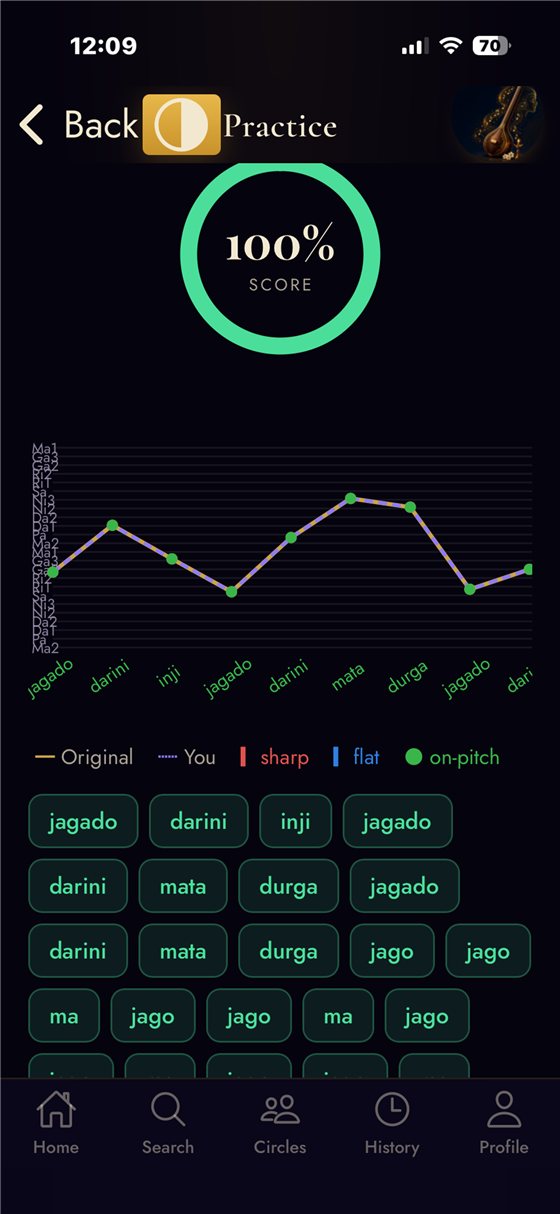
Sing it through against the original and let the app compare the two. You get a note-by-note read of where you sat sharp or flat, which is usually more useful than a single score.
5. Keep the take
Takes stay in your history and sync across your devices, so next week you can hear whether the nishadam actually moved. You can add a note beside a take — typed, spoken or handwritten — and export a practice report as a PDF.
Identifying a raga or a shruti from a recording
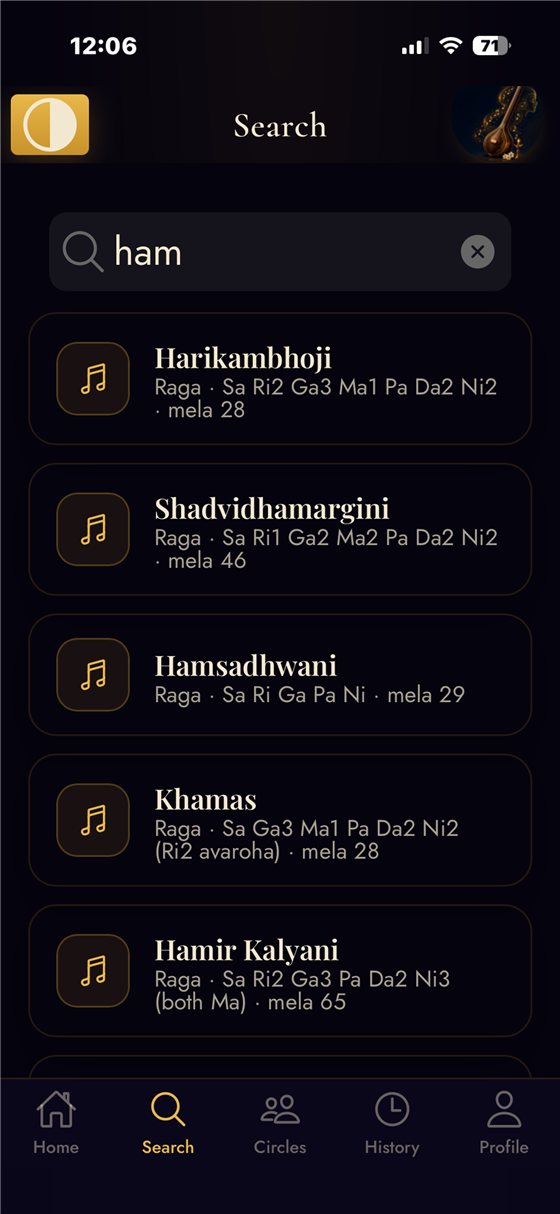
Give the app a recording — something you sang, or a piece you want to understand — and it will estimate the Sa and the most likely raga, and lay the swaras out for you.
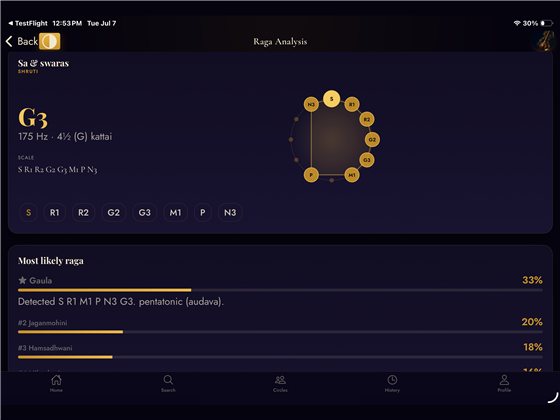
Treat the raga name as a strong suggestion rather than an authority. Identification from audio is genuinely hard — allied ragas share scales and differ in prayoga — and a short or noisy clip gives it less to work with. It is a useful second opinion, and it is often right; it is not a ruling.
Practising with other people
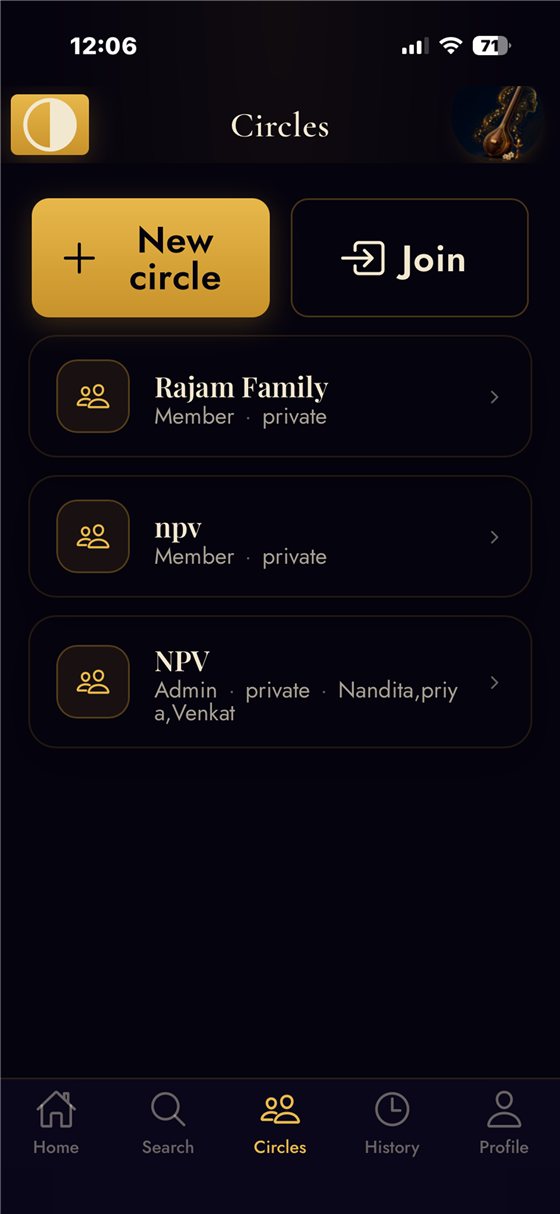
A Circle is a private group for your gurukulam, bhajan group or ensemble: chat, shared recordings and voice memos, with moderation and block controls. Separately, the concert planner builds a kutcheri line-up — item, type, raga, tala, shruti, edupu, composer, singer, with reference links — and shares it live with your accompanists.
Platforms and access
| Surface | Status |
|---|---|
| iPhone / iPad | Free to download from the App Store |
| Android | Free to download from Google Play |
| Web browser | Usable at sadhana-ai.com |
| Sadhana AI Pro | Optional subscription offered inside the app; availability differs by platform, so check in the app |
A daily puzzle, free and public
Three free puzzles a day in their Carnatic versions: Ragadle (guess the mystery raga in six tries — each guess lights up the swaras it shares with the answer), Swara Connections (sixteen tiles, four hidden groups of four) and Raga Ladder (turn one raga into another, one swara per rung, every rung a real raga). New at midnight IST, the same for everyone, no account needed.
They train recall — which swaras a raga carries, which ragas share a scale — not production. No amount of Ragadle improves your shruti. See the daily games guide, or play today's.
Questions people actually ask
Can this replace my teacher?
No, and it is not trying to. It measures pitch and timing. It does not judge gamaka, bhava or readiness to perform. Those need a teacher.
Does it have a tanpura and a tala metronome, or only the AI features?
Both. The tanpura, the tuners and the metronome with tala modes are their own screens and work without any recording or analysis. They are the parts most people open daily.
Is the feedback live while I sing?
The tuner is live. Raga identification and the note-by-note comparison run on a take after you record or upload it.
Does it teach sarali varisai and alankaram in order?
No. There is no graded syllabus in the app. It offers ear training and sight reading exercises plus measurement of your own takes; the repertoire and the order come from you or your teacher.
Will it understand gamakas?
It measures pitch over time, so it sees the movement — but it does not evaluate whether the gamaka was right. Expect ornamented passages to show more deviation than plain ones, and read that as information rather than as a mark against you.
Is it free?
Free to download and use on iPhone, Android and the web. There is an optional Pro subscription in the app; check its current terms there rather than here.